Plan: Salu-Salo
Add Plan: Salu-Salo to your iPhone
Feels like a real app. Launches in one tap. No App Store needed.
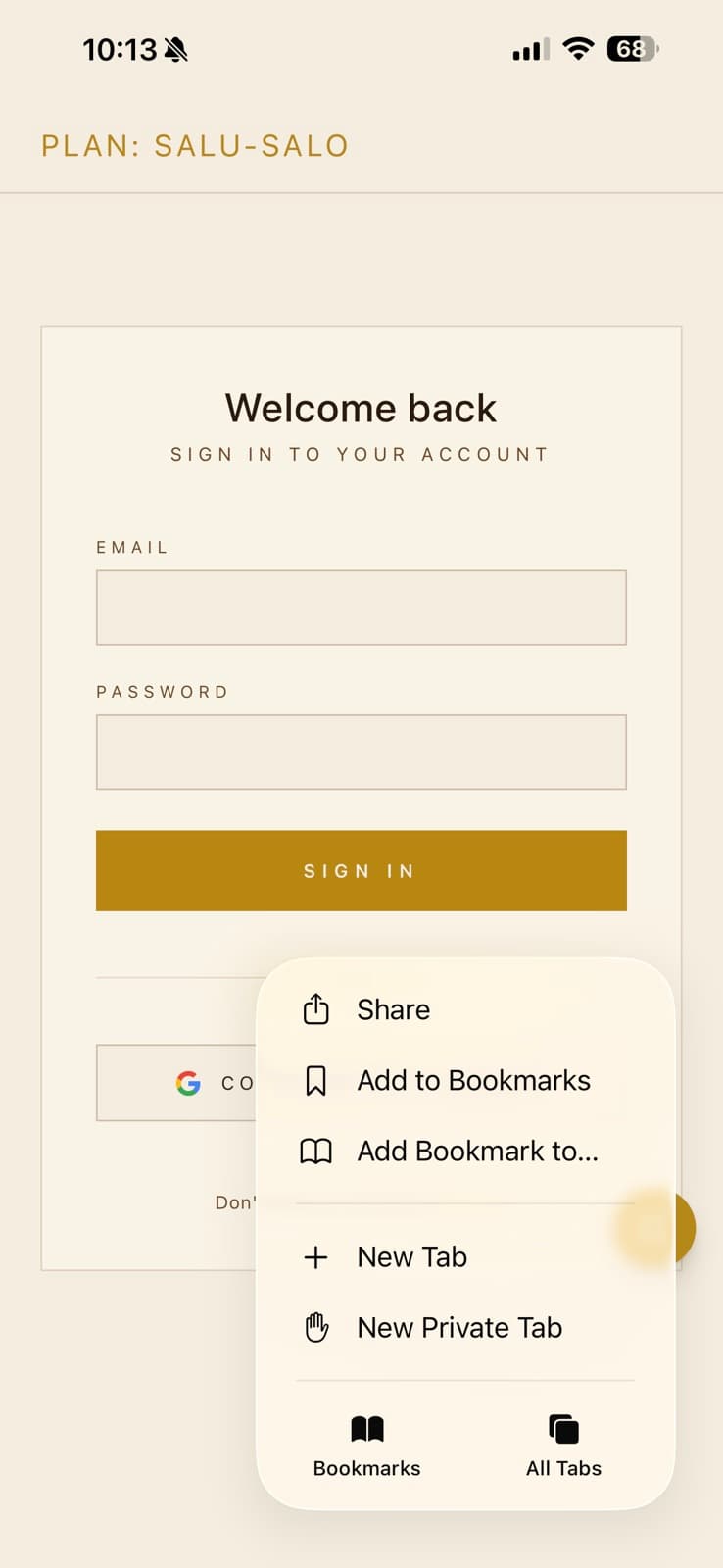
Tap the Share button in Safari's toolbar.
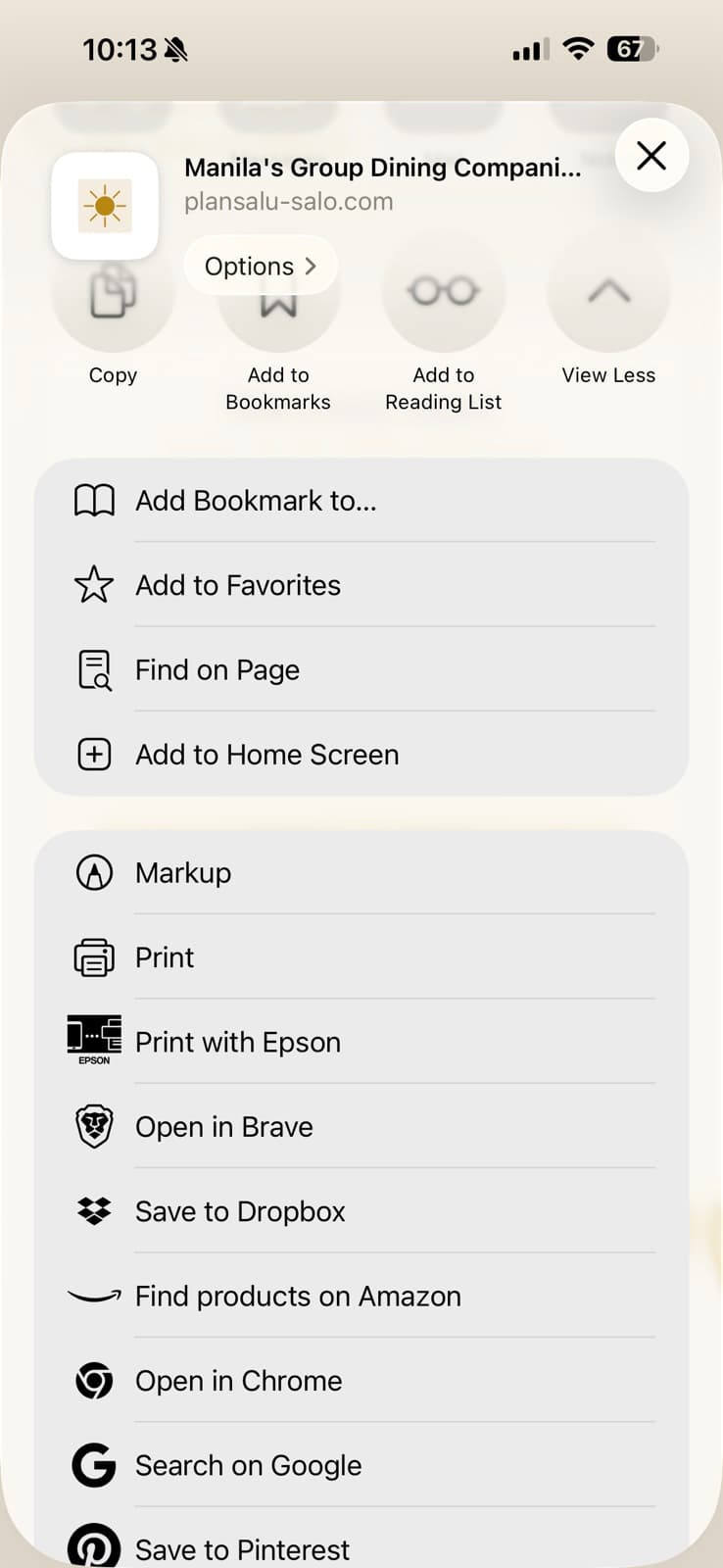
Scroll down and tap “Add to Home Screen”.
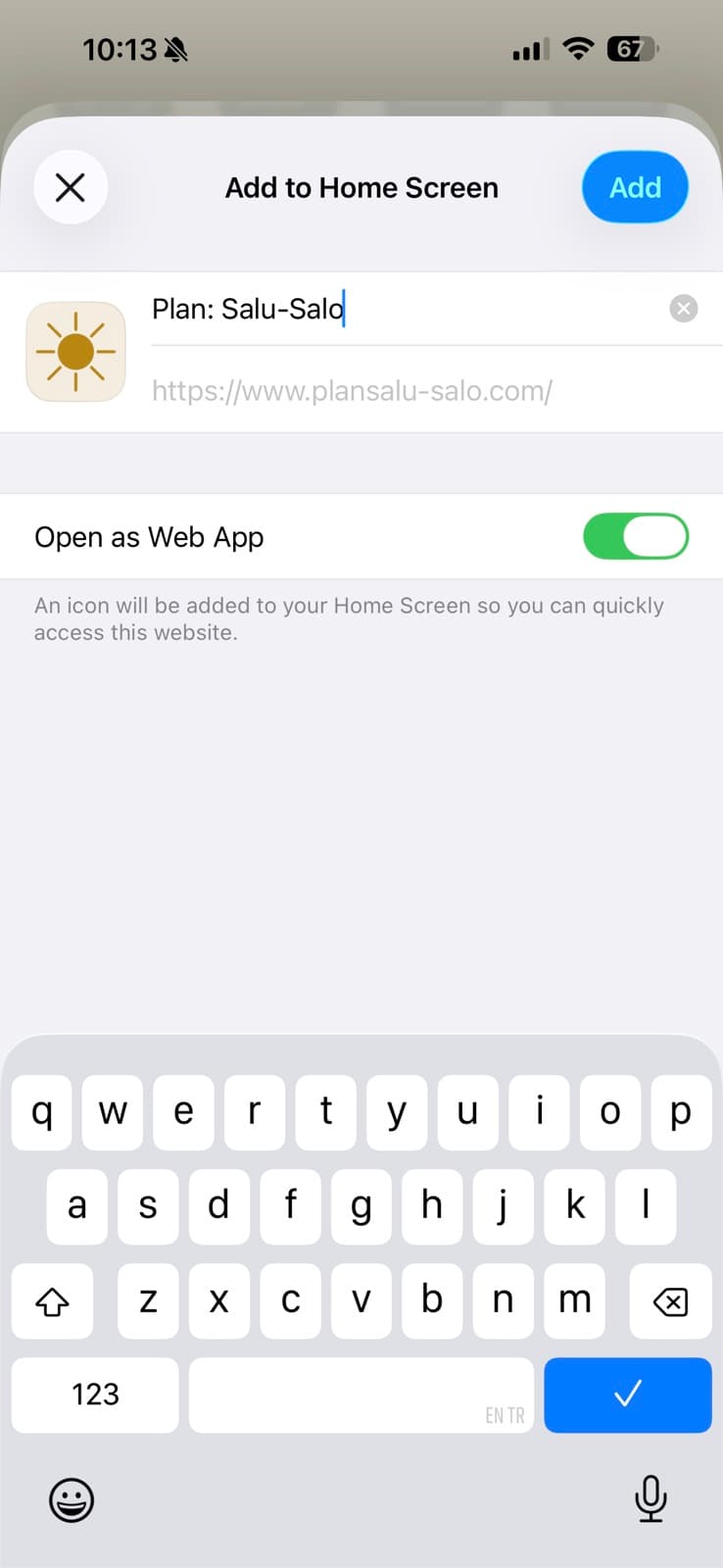
Tap “Add” in the top right. You can edit the name if you’d like.
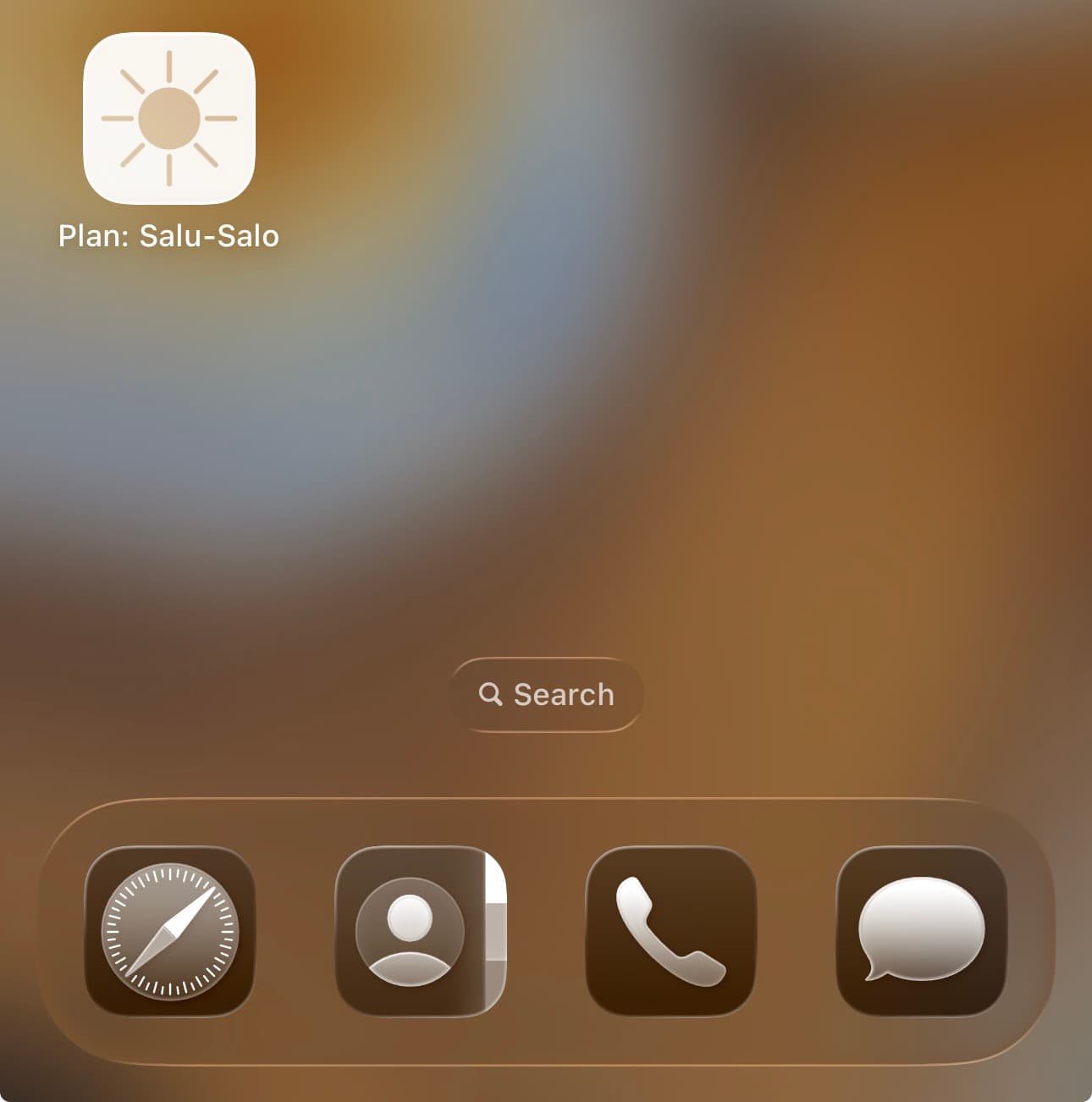
That’s it — tap the gold sun icon on your home screen to launch.